


AI Medical Scribe EHR Integration: What to Assess Before Choosing Software
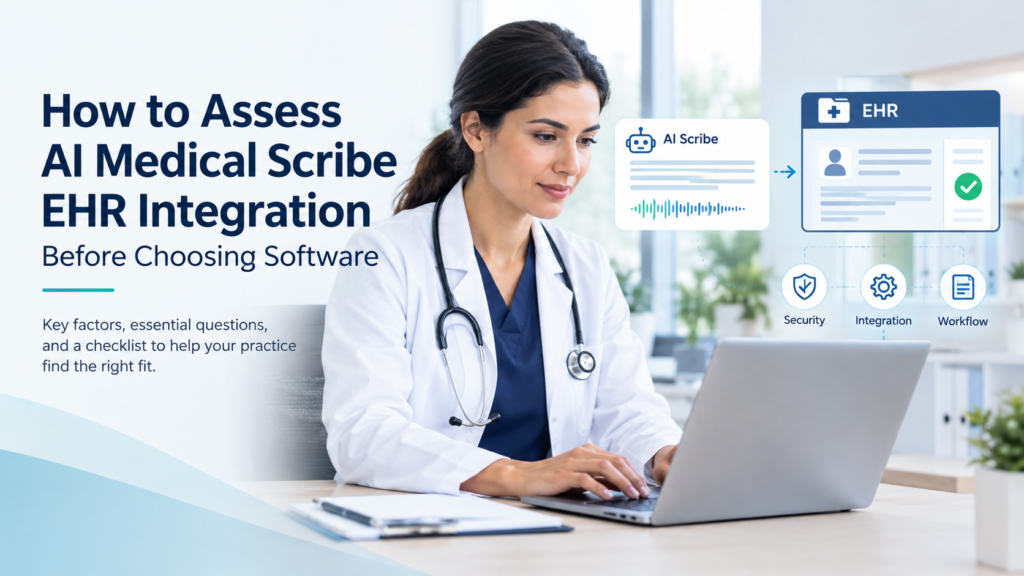
Choosing an AI medical scribe involves more than checking whether the software supports your electronic health record (EHR). Healthcare practices should verify how clinical notes move into patient charts, which information the software can access, how corrections are handled, and whether clinicians can review documentation before finalization. A structured AI medical scribe EHR integration assessment helps practices identify compatibility issues and compare vendors against their actual clinical and technical requirements.
Before selecting AI scribing software, physicians, practice managers, and healthcare IT teams should evaluate the integration method, documentation workflow, data security, and ongoing support. These checks help determine whether a solution fits the practice’s existing systems without introducing unnecessary administrative work.
Why Does EHR Integration Matter for AI Medical Scribes?
EHR integration determines how an AI medical scribe fits into a practice’s documentation workflow. Depending on the product, the software may generate draft notes for manual transfer, populate selected EHR fields, or support a more connected documentation process. These capabilities are different and should not be assumed to be interchangeable.
For example, a system may generate a clinically useful note but still require staff to copy information into the EHR, reformat sections, or enter details manually. Understanding these steps before purchasing helps practices assess the actual workflow.
Practices comparing medical scribing services should examine how documentation is prepared, reviewed, and transferred into the patient record. Solutions such as EzyScribe can also be considered during research into AI-powered medical scribing. Specific integration capabilities should always be confirmed with the provider.
7 Questions to Ask Before Choosing AI Medical Scribe Software
1. Does the AI scribe support your specific EHR?
A vendor’s general claim of EHR compatibility does not necessarily mean every feature will work in your environment.
Ask whether the software supports your exact EHR platform, version, deployment model, and configuration. Confirm whether the integration is currently available or requires additional development.
Clarify which functions are supported, including patient and encounter selection, access to relevant chart information, draft note creation, and transfer of documentation into the appropriate fields.
Request a demonstration using a representative clinical workflow. This helps your team distinguish confirmed functionality from planned features or capabilities that require additional configuration.
2. How does the integration transfer clinical information?
Understanding the integration method is essential when assessing AI medical documentation software.
Depending on the systems involved, connectivity may use application programming interfaces (APIs), standards-based interfaces such as HL7 FHIR, vendor-specific interfaces, or other approved methods.
FHIR is an interoperability standard; its existence does not guarantee that a particular AI scribe can connect to every EHR or automatically write every type of clinical note.
Ask the vendor to explain:
- Which information the AI scribe can retrieve from the EHR.
- Whether it creates draft notes or populates specific fields.
- Whether staff must transfer information manually.
- What permissions or configuration are required.
- How integration errors are identified and resolved.
For technical context, HealthIT.gov’s interoperability resources explain the importance of exchanging health information between systems.
3. Can the software follow your clinical documentation templates?
An effective integration should support your practice’s documentation requirements rather than simply transfer blocks of text.
Ask whether the AI scribe can accommodate your note structure, including history of present illness, review of systems, examination findings, assessment, and plan where applicable.
Check whether the system supports the required specialty-specific templates and handles medication details, allergies, follow-up instructions, and missing information appropriately.
During testing, verify that the generated note accurately reflects the encounter. The system should not invent findings or fill gaps with unsupported information.
Practices considering real-time charting services should also examine when notes become available, how clinicians review them, and how the workflow fits into the existing encounter process.
4. How does the vendor protect patient information?
AI medical scribing may involve sensitive information, including recordings, transcripts, and clinical notes. Before adopting a solution, understand how this information is collected, transmitted, stored, accessed, and deleted.
Ask the vendor about:
- Data retention and deletion policies.
- Access controls, encryption, and audit logging.
- Whether patient data is used for model training and under what terms.
- Third-party providers or subcontractors that process information.
- Incident response procedures.
- Applicable contractual safeguards and business associate agreements.
Under HIPAA, certain cloud service providers that create, receive, maintain, or transmit electronic protected health information on behalf of a covered entity may qualify as business associates. Applicable obligations depend on the relationship and services provided.
Review the HHS guidance on HIPAA and cloud computing with your privacy or compliance team. Do not assume that a vendor’s marketing claims or a signed agreement alone establish HIPAA compliance.
5. Can clinicians review and approve AI-generated notes?
AI medical scribe software should support clinical documentation without removing the clinician’s responsibility for the medical record.
Confirm where draft notes appear, who can edit them, how corrections are recorded, and whether clinician approval is required before signing or finalizing the note.
Test how the software handles unclear speech, medication names, multiple speakers, conflicting statements, and missing clinical information. Your team should understand how potential errors are identified and corrected.
When comparing vendors, including Chase Clinical Documentation, look at how each handles the path from spoken conversation to reviewed clinical note rather than assuming all AI scribe products work the same way.
6. What happens if the EHR integration fails?
Even a suitable integration needs a clear process for handling errors.
Ask what happens when a connection fails, a note does not transfer, the wrong encounter is selected, or a user loses access. Determine whether the software provides error notifications, recovery procedures, and safeguards against duplicate or incomplete documentation.
The vendor should explain how your team can confirm that a note has reached the correct record and what steps to follow when the normal workflow is interrupted.
Also clarify which organization is responsible for troubleshooting, system updates, and maintaining the integration.
7. Can you test the complete workflow before purchasing?
A product demonstration is useful, but a structured pilot can provide stronger evidence of how the software fits your practice.
Where supported, use an approved testing environment or appropriately authorized test data. Have clinicians and IT staff evaluate representative encounters, note templates, access permissions, data transfer, and error handling.
Record the results and establish acceptance criteria before deployment. For example, your team might require correct patient and encounter selection, appropriate note formatting, successful transfer under supported conditions, and a clearly defined clinician review process.
Never place real patient information in an unapproved testing environment.
Conclusion
The right AI medical scribe should fit your practice’s EHR environment, documentation requirements, privacy expectations, and clinical review process. Assessing these factors before purchasing helps distinguish general compatibility claims from capabilities that have been demonstrated and verified for your workflow.
Discuss Your EHR Integration Requirements with Our Team. Contact PennHealthInfo to discuss your clinical documentation workflow and the requirements to verify before selecting a solution.
Contact Us
Recent Posts


How AI Medical Scribing Improves Revenue Cycle Management
January 23, 2026

Choosing the Best AI Scribing Software for Your Healthcare Practice
December 19, 2025